
Builders
Track site conditions before they disappear behind finished work. Never lose pre-drywall evidence again.
Drone imagery, 360 walkthroughs, reports, and files — all tied to the map, the date, and the exact project context. One portal. Always findable.
Every project has a window — from groundbreak to closeout — where the most important work is visible. Captix captures that window and makes it searchable forever.
Track site conditions before they disappear behind finished work. Never lose pre-drywall evidence again.
Answer site questions faster without chasing exports, screenshots, and scattered folder structures.
Review progress remotely with clear visual context instead of text updates and guesswork.
Deliver a record that stays useful and searchable long after capture day is over.
Drone photography, drone video, and 360 interior walkthroughs all enter the same deployment context. Everything starts organized.
Orthomosaic base maps pin each capture to the exact spot on the site. Date-stamped, location-aware, instantly navigable.
Review, verify, and share captures directly from the project portal. Reports and files stay attached to the same record.
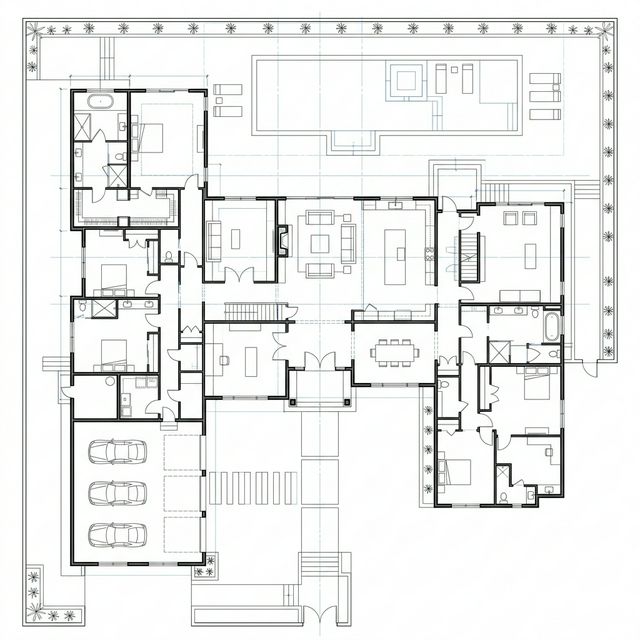
Use the map as the entry point — not a folder search.

Jump to the interior capture that shows what was actually built.

Reports, files, and context stay attached to the same record.
Book a walkthrough if you want the full product tour, or open the portal if you already have access.