
One system for capture, context, and project memory.
Captix is organized around how teams actually review field evidence: where it happened, when it happened, and how quickly they can move from a question to the exact supporting record.

Inputs become a deployment-aware visual record.
Captix isn't a gallery shell. It structures drone data, interior capture, reports, files, and client access around the same deployment — so everything stays connected to where and when it was created.
Drone imagery, orthomosaics, 360 walkthroughs, stills, reports, and attachments.
Deployment organization, capture dates, spatial mapping, role handling, and reporting.
Viewer surfaces, report libraries, file vaults, and a project record your team can return to with confidence.
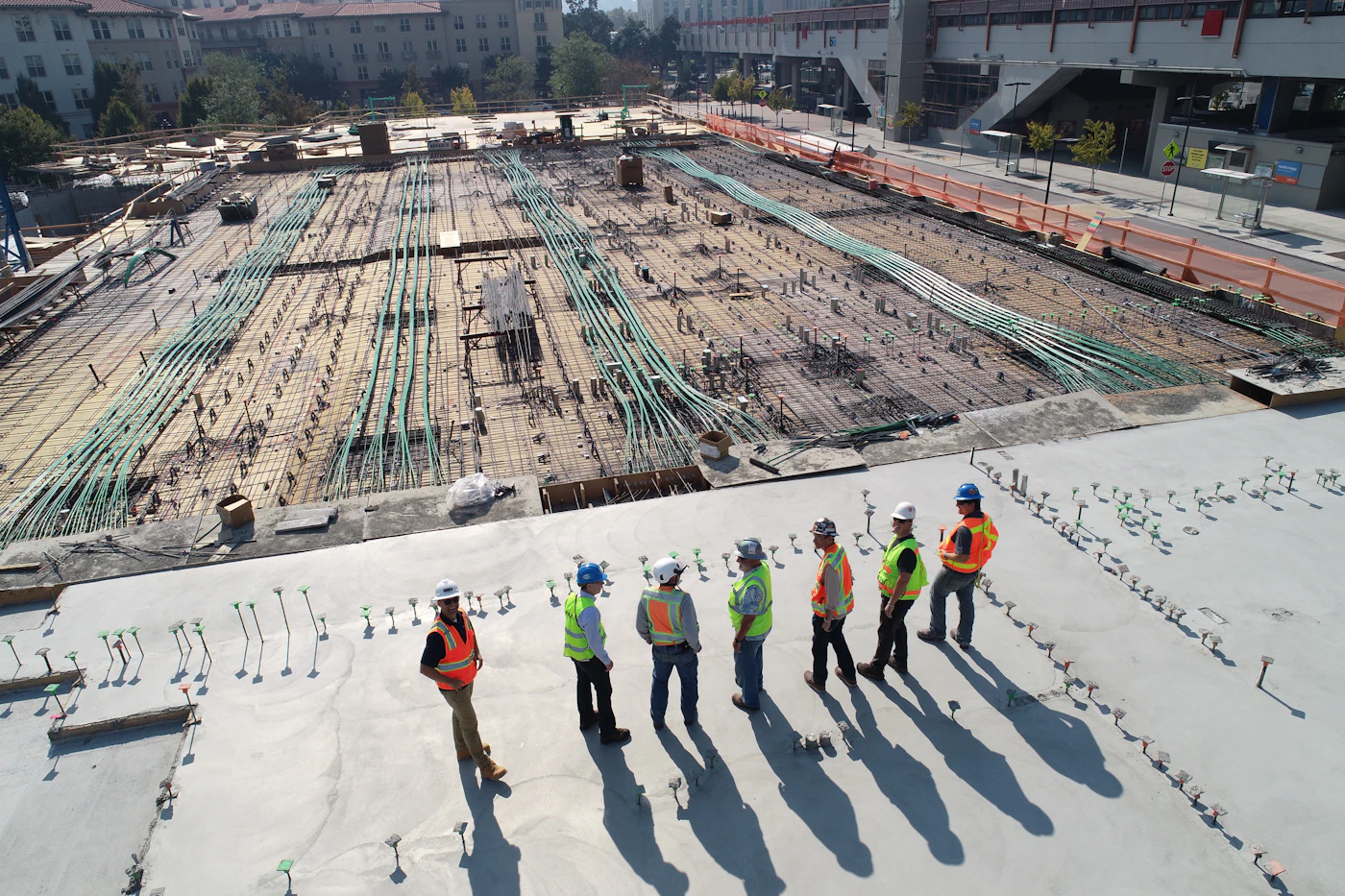
Bring aerial and interior data in without losing structure.
Orthomosaic base maps, recurring site passes, 360 walkthroughs, and supporting assets all enter the same deployment context. The record starts clean from day one.
Anchor imagery to location, not just folder names.
Map surfaces and deployment-aware organization let teams move from "where was this captured?" to an exact answer immediately. No folder archaeology required.


Navigate the project across time.
Progression matters only when teams can review change over time. Captix brings recent passes, comparison states, and reporting context together in one timeline.
Secure access that feels like part of one system.
Client login gives project stakeholders immediate access to their deployment record. The experience matches the quality of the marketing pages — it doesn't feel like a separate tool.


Keep deliverables, files, and access scoped to the deployment.
Reports and supporting materials stay tied to the same project record instead of getting buried in a disconnected file archive.
The full platform walkthrough takes 20 minutes.
We'll show you the map view, the timeline, the 360 viewer, and how client access works from day one.